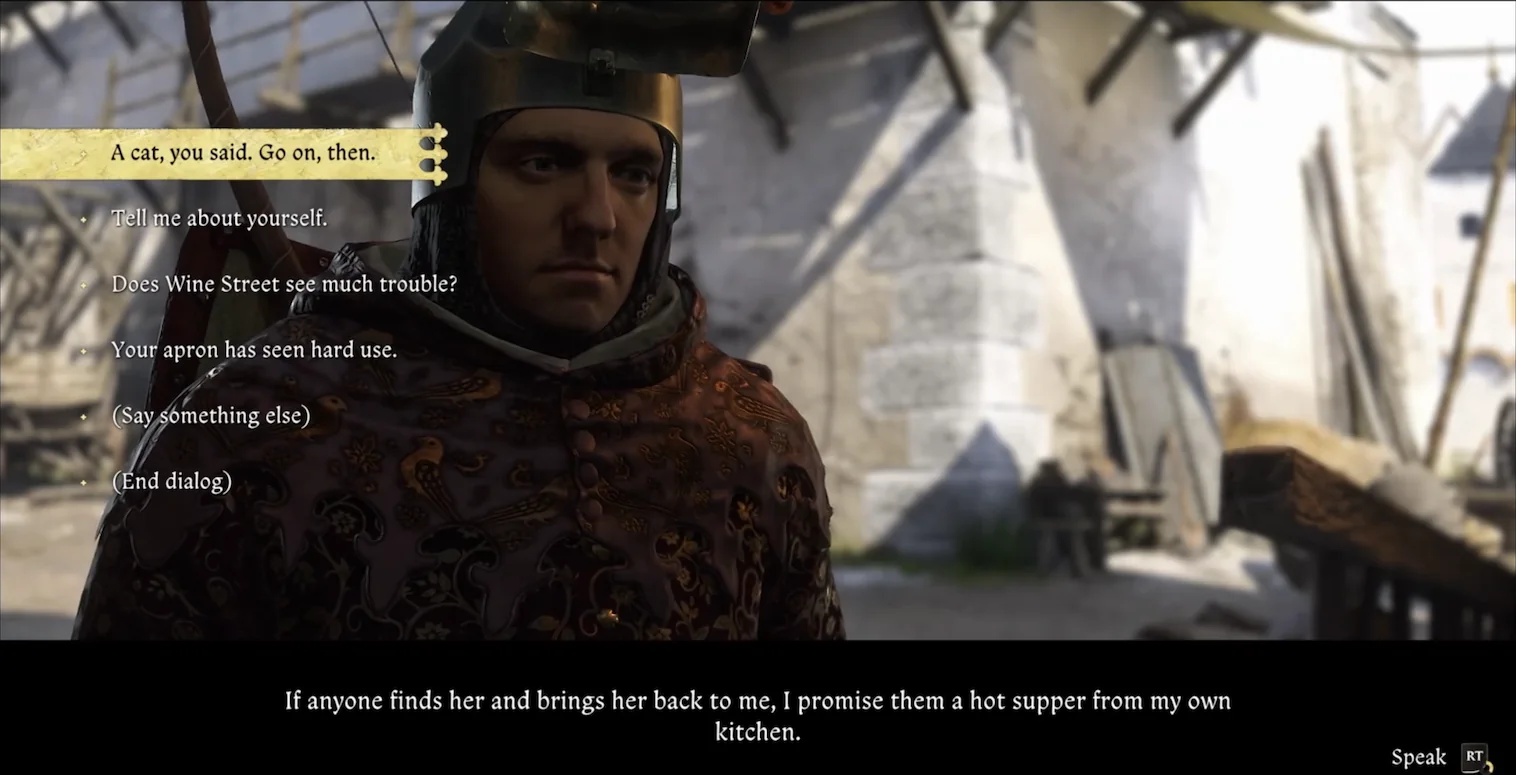
See it in action
A ninety-second tour: unscripted conversations with people who, until now, were only ever called Beggar or Housemaid.
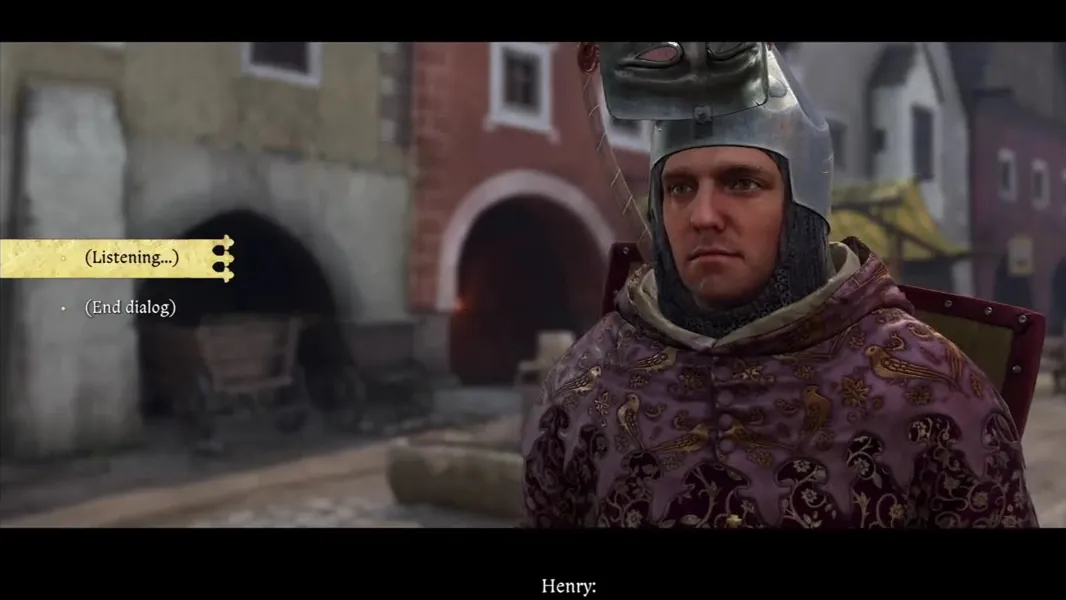
What it adds to the game
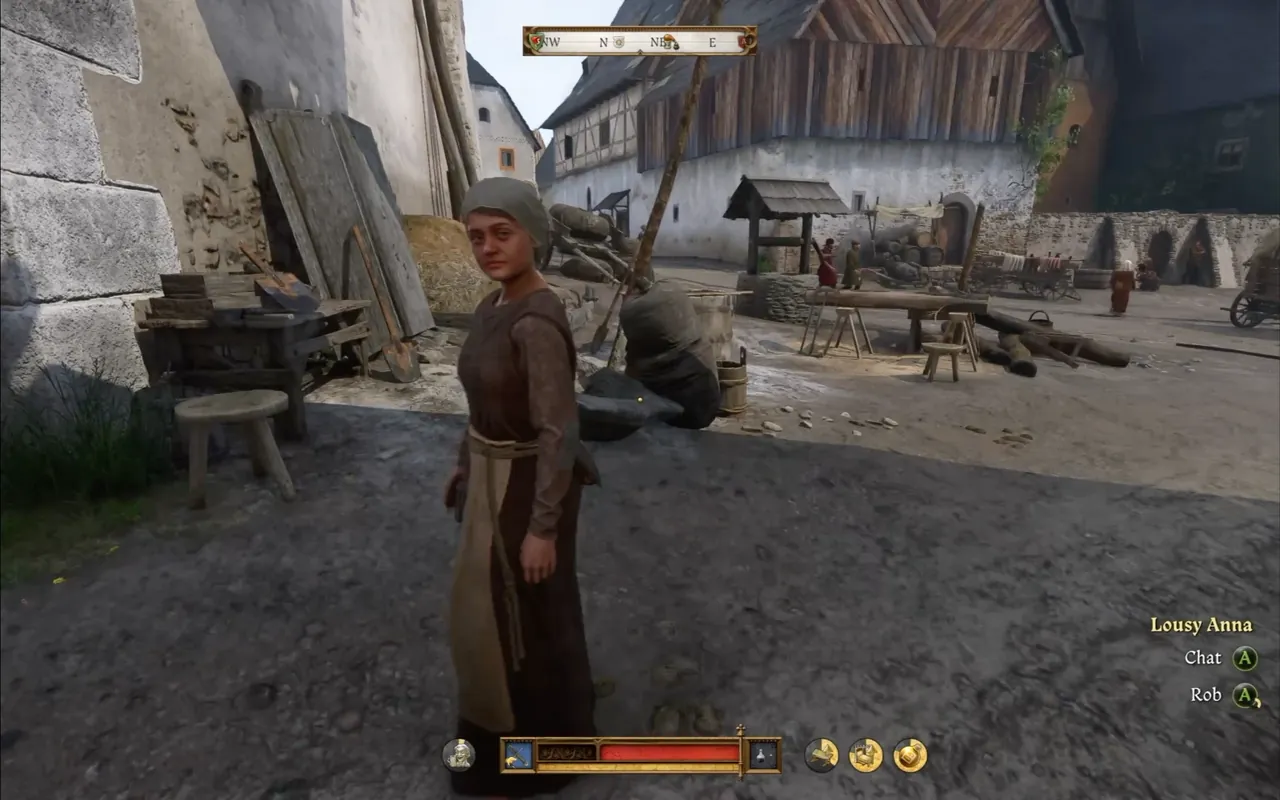
Names for the nameless
Over 2,000 villagers, beggars, miners and guards who were anonymous now have a name over their head, a biography, relationships and a daily routine.
Walk up to any of them and a new Chat option appears.
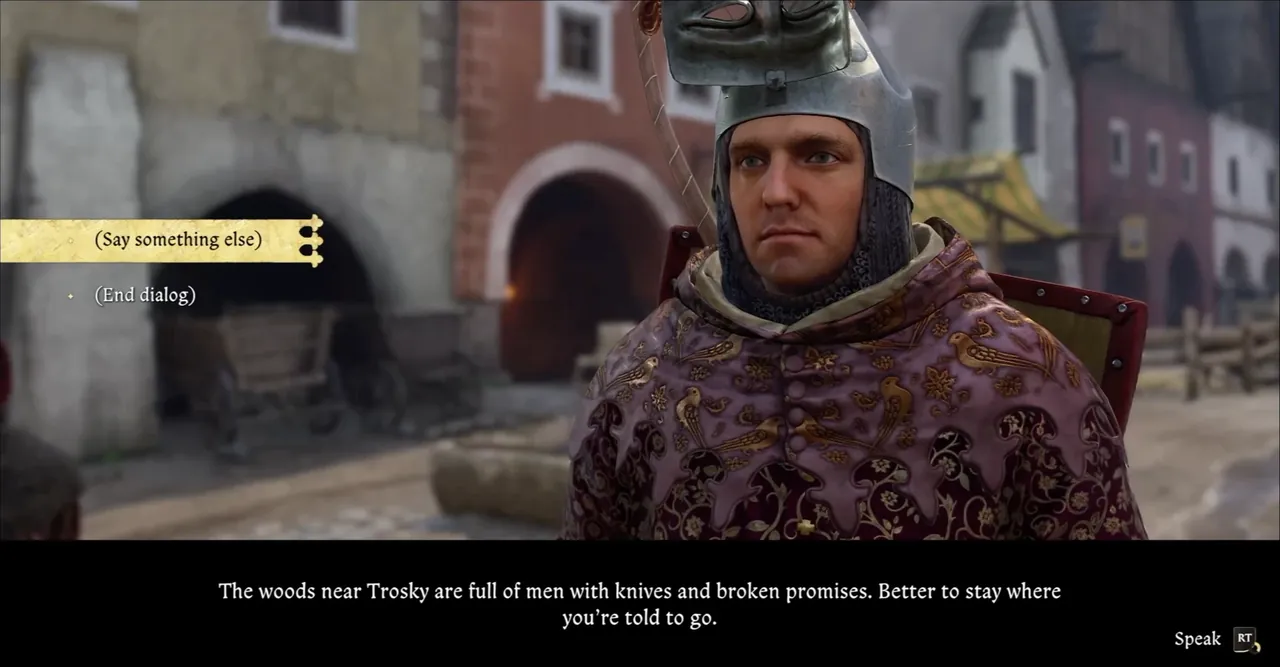
Say whatever you like
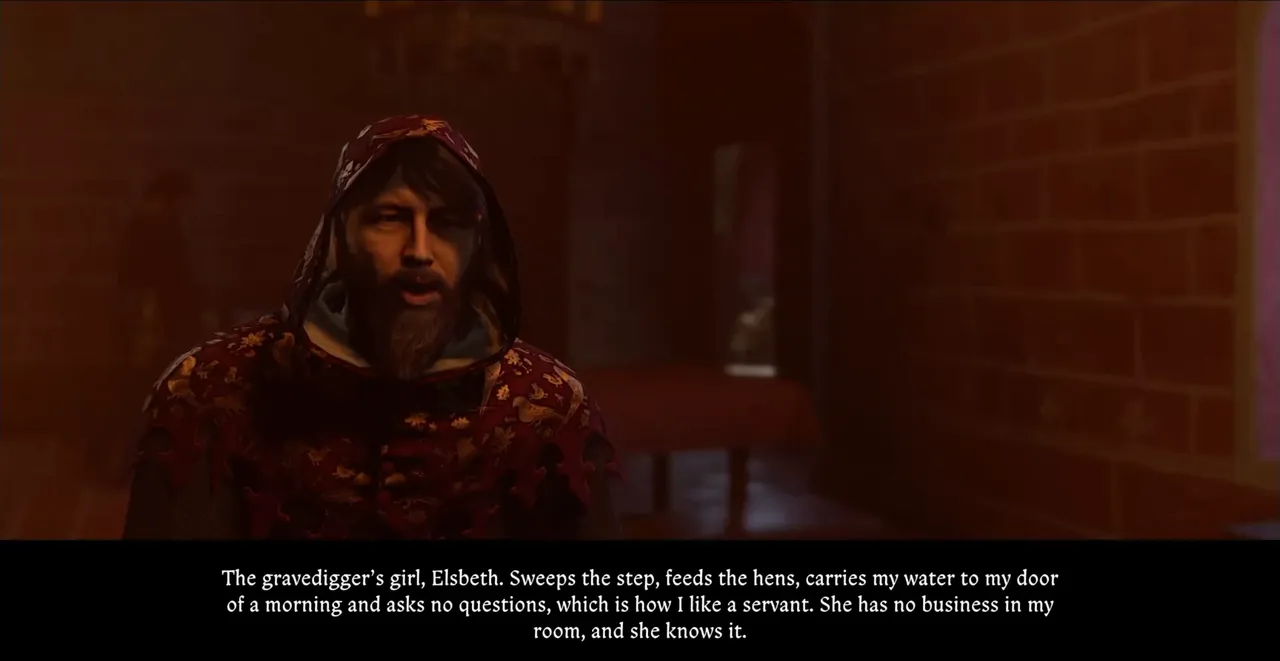
Pick from a few things Henry might say, or hold the right trigger (V on the keyboard) and speak. Your words appear on screen as they are heard, and your partner answers aloud about their own work, neighbours, worries and gossip.
A microphone is optional: you can type everything instead.
They remember you
What your partner says depends on what they know, what they do all day, and how they feel about you. Conversations are remembered, and people grow more patient and more open as they get to know you.
New quests
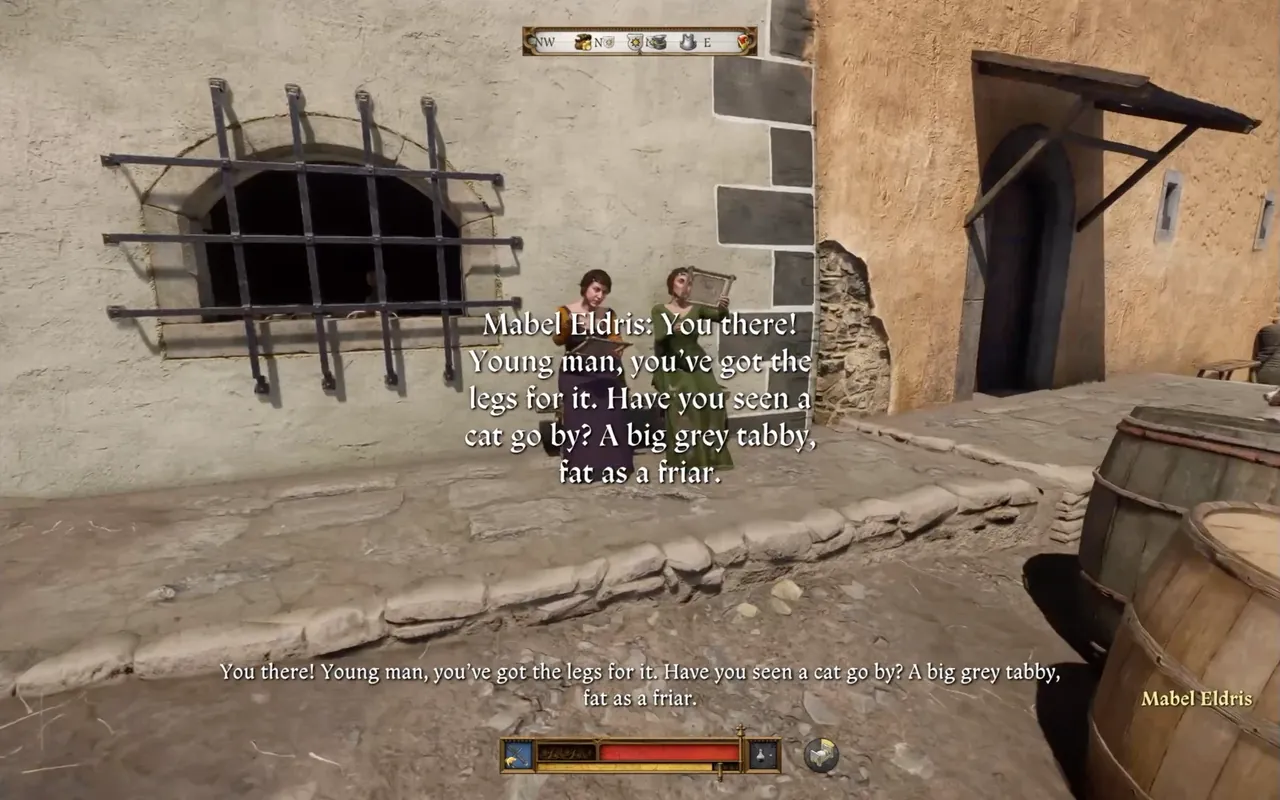
Some of these newly named people need your help. They show up on the map, and they may call you over as you pass, with journal entries and objectives of their own.
There are many new stories to play through, with over 50 in development.
More than talk
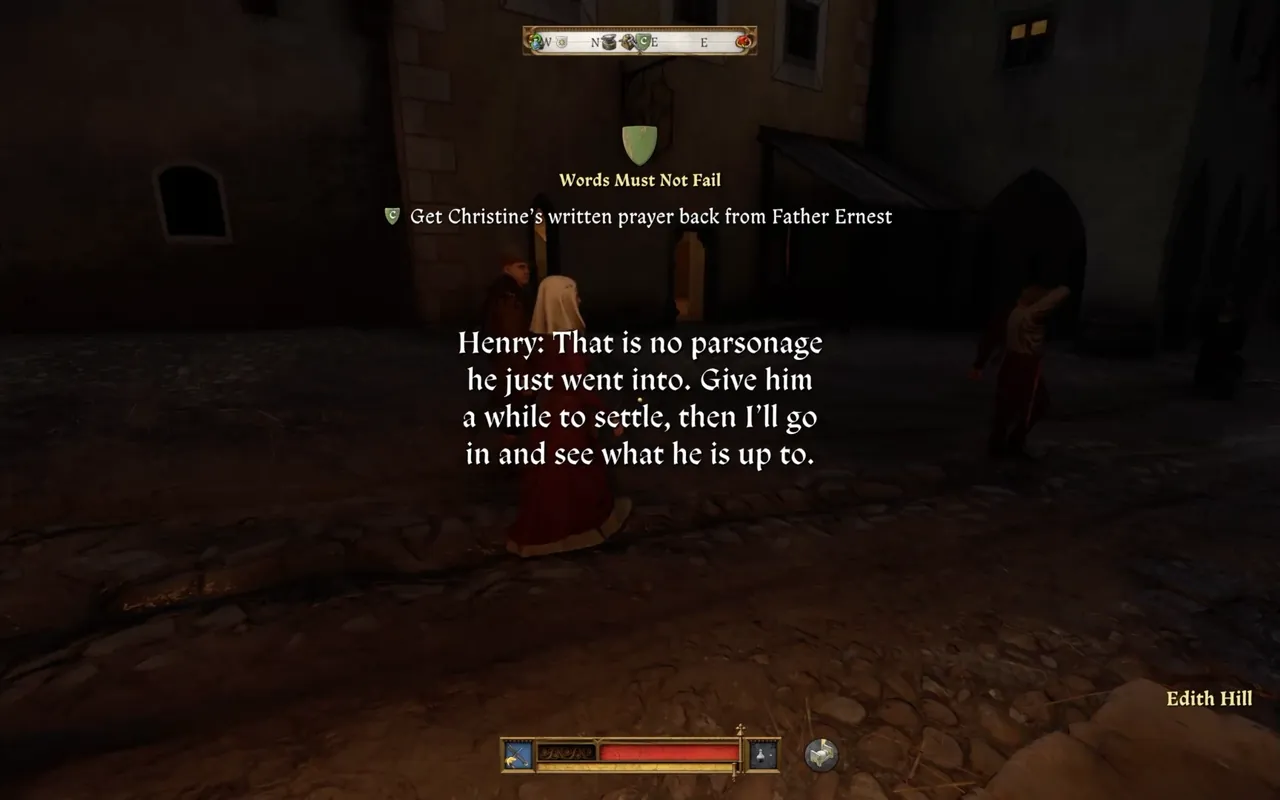
Some stories ask for more than a conversation, with new mechanics like tailing someone through the streets after dark to see where they really go.
Take the work or leave it. They remember either way.
Families, friends and feuds
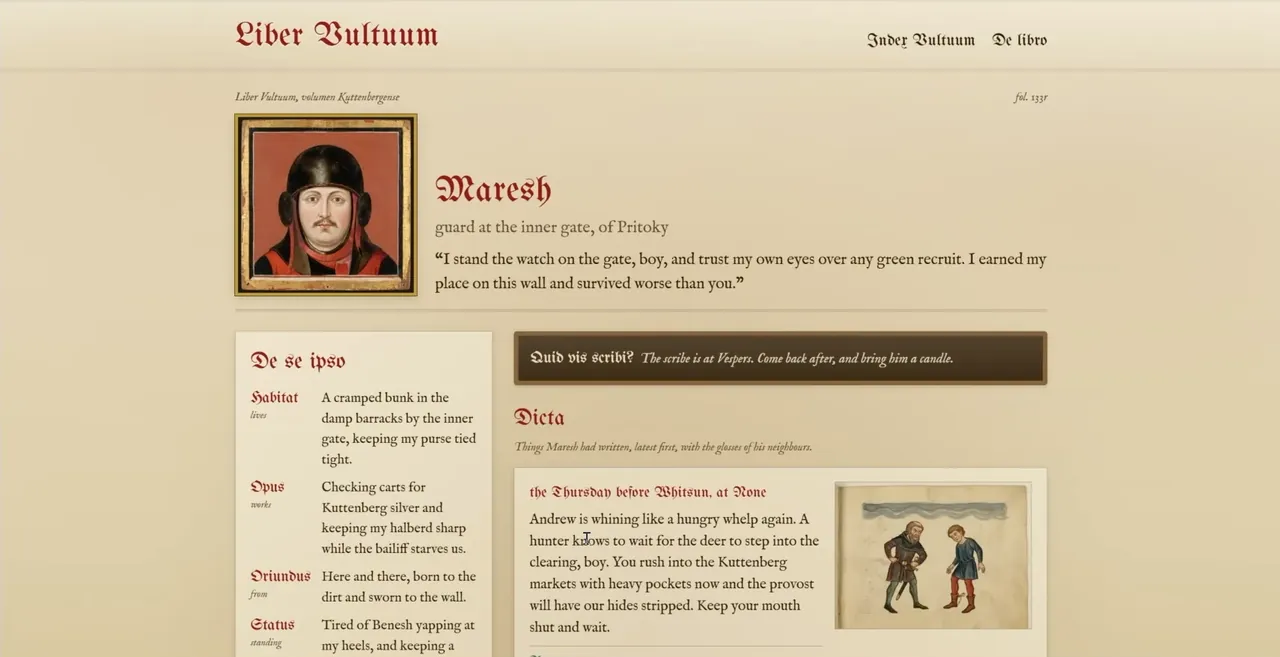
Everyone you meet has people of their own: kin, neighbours, and grudges that go back years.
Read about their lives in the Liber Vultuum, the book of faces for every soul in the mod.
Nothing you say leaves your machine
No cloud service, no account, no API key.
Entirely local
The language model, the speech recognition and the voices all run on your machine. Once it is installed it works offline.
Kind to your graphics card
The AI runs on your CPU, so the game keeps the graphics card to itself.
Open source
The mod, the app and the installer are MIT licensed on GitHub. The mod is a plain pak and one Lua file: no DLL and no injector.
Leaves the story alone
It does not touch the main story or the existing named characters, and saves made with it load fine without it.
A note from the author
I originally wrote this for myself as “fan fiction” after I’d finished the game and wanted to spend more time in the world the Warhorse team built. It uses AI heavily, but I hope thoughtfully. I’m trying to explore how local, decentralized AI can augment, not replace, human creativity. It’s a tribute to the amazing work of the Warhorse team.
This is an early build. It will do weird things, and the AI-generated speech sounds rough, especially for a game known for its voice acting. I’m hiring professional actors for the dialogue that’s known ahead of time, and licensing their voices for better clones for freeform speech. I very much appreciate all the bug reports you can share.
Pete Warden
Install it
One installer puts both pieces in place: a small mod folder in the game, and the Moonshine app that runs beside it.
-
Download the installer
Start the game once on its own first, so Steam has finished updating it, then quit it. The installer wants the game closed.
-
Run it
Windows shows a blue “Windows protected your PC” box, because the installer is not signed with a certificate Windows recognises. Click More info, then Run anyway. It then downloads about 4 GB of models and data.
-
Play
Start the game from the Moonshine shortcut on your desktop, not from Steam. Load a save in Kuttenberg or anywhere around Trosky and walk up to anyone who used to be just Beggar, Villager or Miner.
Version 0.9.102.28. Also on Nexus Mods. The full guide covers every step and what to do if something goes wrong.
What you need
- Windows 10 or 11, 64-bit.
- Kingdom Come: Deliverance II on Steam, version 1.5.6. The GOG and Epic versions are not yet supported.
- 16 GB of RAM at minimum; 32 GB is recommended.
- 10 GB free on your Windows drive.
- An internet connection for the install only: about 4 GB is downloaded.
- A microphone, if you want to speak rather than type.
Questions
Is it really free?
Yes. It is free to download and the code is open source under an MIT licence. There is no account, no subscription and no API key.
Does my voice get sent anywhere?
No. Speech recognition, the language model and the voices all run on your own PC. The internet connection is only needed to download the files during the install.
Will it slow the game down?
The AI runs on the CPU, so the game keeps the graphics card to itself. The first line of a session takes a few seconds while the model warms up; after that, answers take two to five seconds. With 16 GB of RAM the game and the model share memory, so that first answer comes slower.
Does it change the story or the characters I already know?
No. It only gives names, lives and conversations to people who were unnamed. Saves made with the mod load fine without it; the names simply go back to Beggar and Villager.
Do I need a microphone or a controller?
Neither. It works with a controller or a keyboard, and you can type anything you would have said.
Does it work with the GOG or Epic versions?
Not yet. For now it needs the Steam version of the game on Windows.
Why does Windows warn me about the installer?
The installer is not signed with a certificate Windows recognises, so SmartScreen shows a warning the first time. Everything in it is built from the public source code, and the mod itself is a plain pak and one Lua file with no DLL and no injector.
How do I remove it?
Uninstall Moonshine from the Start Menu or from Windows Settings, then delete the moonshine_names folder from the game’s mods folder.
Something went wrong. Where do I report it?
The guide covers the common problems, and bug reports are very welcome on the issue tracker.